- Saturday Sites
- Posts
- Everything You Need to Know About the Discord Breach
Everything You Need to Know About the Discord Breach
Here’s the full story and the tools to keep yourself safe.

Caleb Chiang
October 18, 2025 • Estimated Reading Time: 2 minutes

A recent breach at one of Discord’s third-party partners left thousands of users with their private information exposed.
From emails to ID photos, the leaked data highlights how even routine support requests can put your privacy at risk.
In today’s issue, we’ll look at what went wrong, what information was affected, and how to protect yourself with practical privacy tools anyone can use.
What Happened?
On September 20, 2025, Discord learned that one of its support vendors, a company called 5CA, had been breached.
For roughly two days, hackers had access to the vendor’s systems including records from users who had contacted Discord’s support team or gone through its age-verification process.
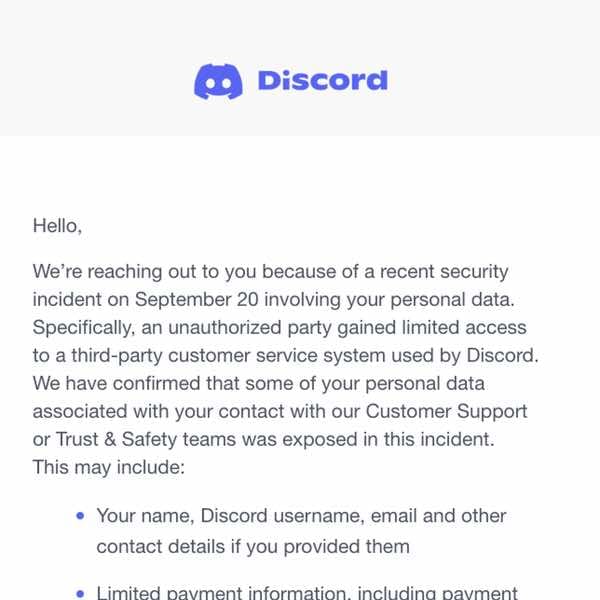
In plain terms: if you’ve ever sent Discord a message about an account issue or uploaded an ID to verify your age, that information may have been exposed.
The leaked data included names, emails, support chat logs, and even photo IDs from some users. About 70,000 people were affected.
Discord’s own servers weren’t compromised, but the breach shows how fragile privacy becomes once your information moves beyond the main platform.
You can lock down your own account, but you can’t always control what happens to your data after you hand it over, and that’s what makes this incident so alarming.
Take back control of your data
The Discord breach was a reminder that no platform, no matter how big or trusted, can fully protect your information. But that doesn’t mean you’re powerless. The best defense isn’t waiting for companies to fix their security; it’s taking your privacy into your own hands.
Here are a few tools that make it simple to stay one step ahead of future leaks:
1.) Check if your data’s already out there
Have I Been Pwned - Instantly see if your email or passwords were exposed in past breaches and set alerts for future ones.
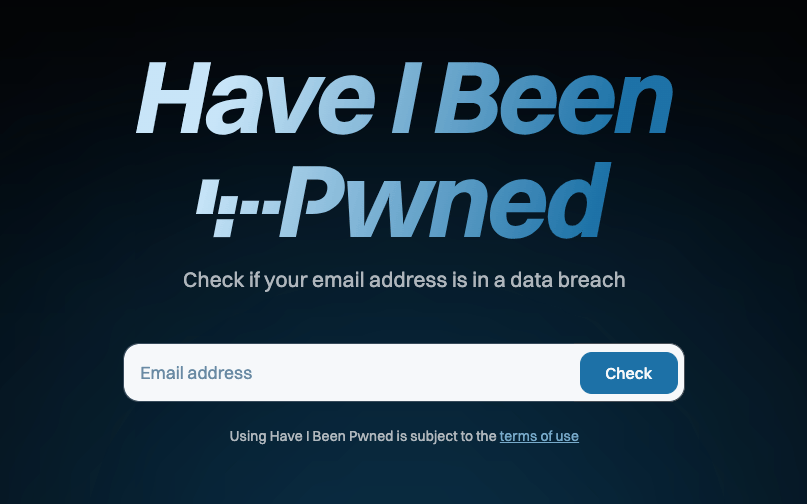
Simply enter your email to see if your data has been exposed in past breaches
Mozilla Monitor - Scans the web for your personal data and helps remove it from known data broker sites.
2.) Strengthen your passwords
1Password or Bitwarden - Generate and store strong, unique passwords for every account.
Proton Pass - Offers password storage, email aliases, and built-in encryption from a trusted privacy-first company.
3.) Add another layer of protection

These tools don’t just react to leaks, they make your digital life harder to exploit. Privacy isn’t about paranoia; it’s about preparation.
Takeaways
The Discord breach showed how even trusted platforms can lose control of user data once it leaves their hands.
But while you can’t stop every hack, you can make yourself a much harder target. Checking for leaks with tools like Have I Been Pwned or Mozilla Monitor, using a password manager to strengthen your logins, and enabling two-factor authentication go a long way in keeping your information safe.
Small habits like these build real digital resilience.
If you found this issue helpful, share it with a friend who could use a quick privacy checkup.
I’ll see you next week with more ways to keep your online life secure 👋
Links to related articles: